My Linux desktop: Niri, DankMaterialShell and a stow repo
How my current rice is put together: CachyOS, the Niri scrolling compositor, DankMaterialShell, tmux binds that mirror the window manager, and dotfiles managed with GNU Stow.
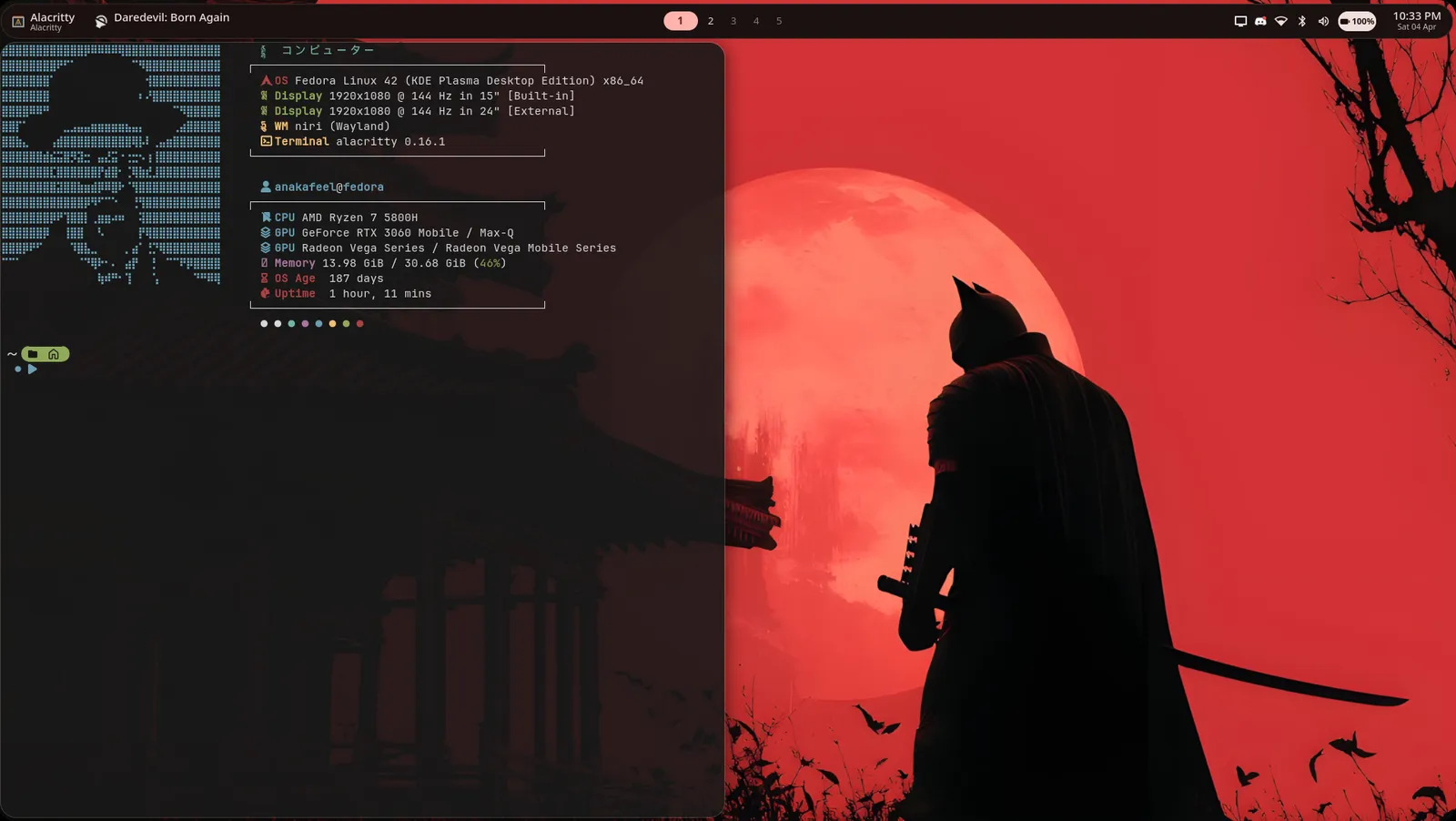
I run my desktop on Linux, and I keep every config in a git repository. The setup has changed a few times. This is what it looks like now. Screenshots are on the rice page.
The stack
- OS: CachyOS
- Compositor: Niri, a scrolling-tiling Wayland compositor
- Shell and bar: DankMaterialShell (DMS), which is built on Quickshell
- Shell: fish
- Terminals: Alacritty, kitty, ghostty and foot are all configured
- Multiplexer: tmux
- Editor: Neovim with LazyVim
Why Niri
Most tiling window managers fit every window onto the screen at once. Niri lays windows out as columns on an infinite strip and scrolls across them. A new window never shrinks the others. It gets its own column, and the strip moves.
I use column width presets of one third, one half and two thirds, with new windows opening at half width. I run three monitors, one of them rotated to portrait.
DankMaterialShell
DMS draws the bar, launcher and widgets. It generates its colours from the
wallpaper with matugen, so changing the wallpaper re-themes the shell. I keep
a custom theme file called island-mint and an islandClock widget plugin. Third-party plugins are not vendored in my repo. A lockfile pins each
plugin's repository and commit instead.
One set of keys everywhere
The detail I like most is in the tmux config. The binds mirror Niri's, with Alt standing in for Super:
- Niri's
Mod+Enteropens a terminal. tmux'sAlt+Entersplits a pane. Mod+HJKLmoves focus between windows.Alt+HJKLmoves between panes, and it passes through to Neovim splits.Mod+1..9switches workspaces.Alt+1..9switches tmux windows.Mod+Fmaximizes.Alt+Fzooms the pane.
So the same muscle memory works at the compositor level, inside tmux, and in
the editor. Everything else uses a Ctrl+Space prefix. I also set the escape
delay to zero, so Esc in Neovim has no lag.
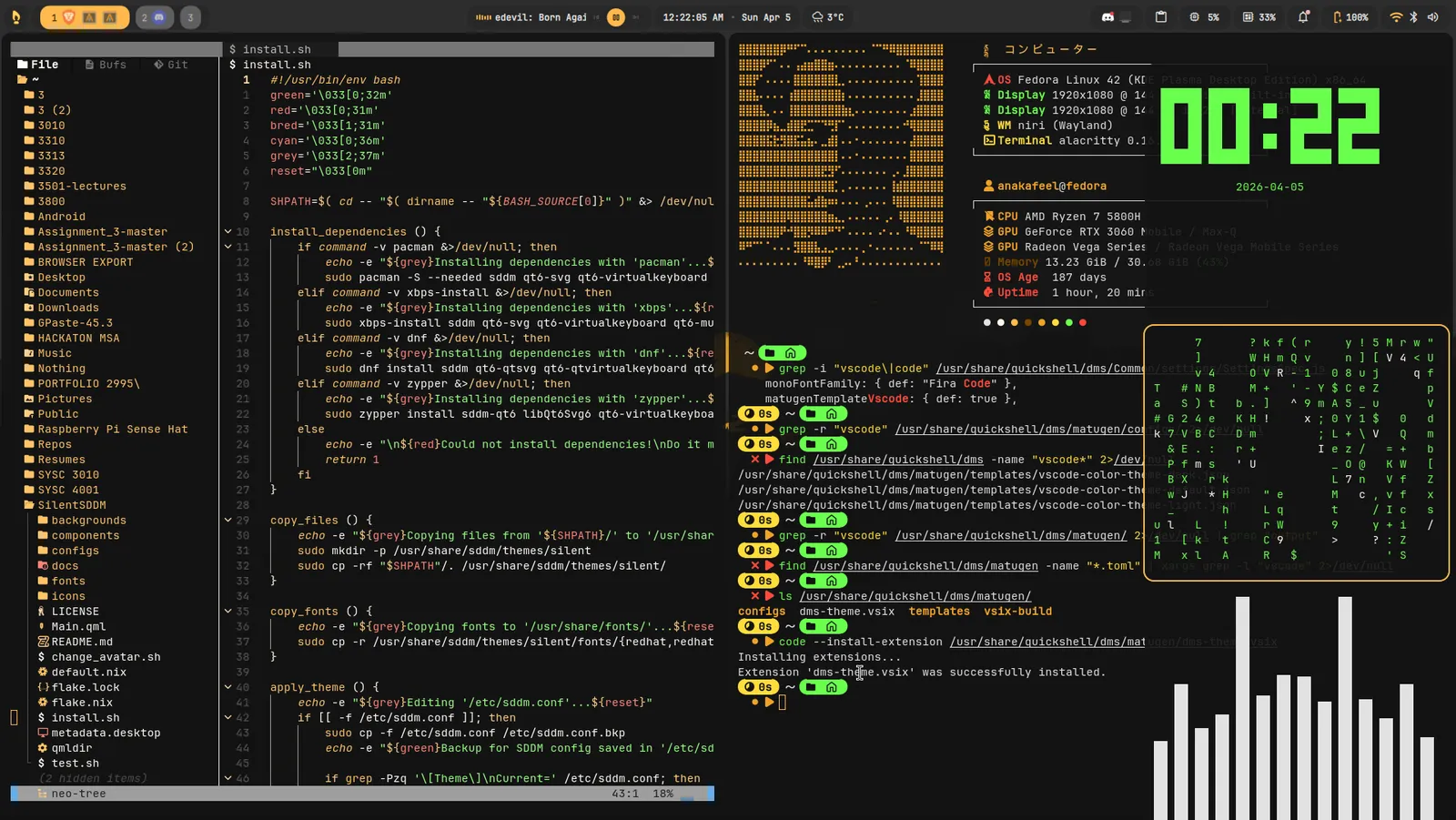 Neovim picking up the wallpaper's colours through matugen.
Dotfiles with GNU Stow
The repo is organized as GNU Stow packages. Each folder, such as niri,
tmux, nvim or fish, mirrors the layout of my home directory. Stow
symlinks the files into place.
I link each file individually with --no-folding. That way, files that apps
generate themselves, like DMS colours, caches and cloned plugins, stay as real
files in ~/.config and out of the repository.
To set up a new machine, I clone the repo and run one stow command over all
the package folders. Removing the setup is the same command with -D.
One gotcha: some apps save by writing a temporary file and renaming it over
the original. That replaces the symlink with a regular file. When git status
stops showing changes after I edit a setting in a GUI, that is the cause. The
fix is to move the file back into the repo and link it again.
What I'd say to someone starting
Start with the config you actually touch, not a screenshot you admire. Put it in git on day one. Everything else is easier once you can break things and roll back.
The repo is at github.com/anakafeel/dotfiles.